
FL Studio projects
Fully arranged FL Studio projects
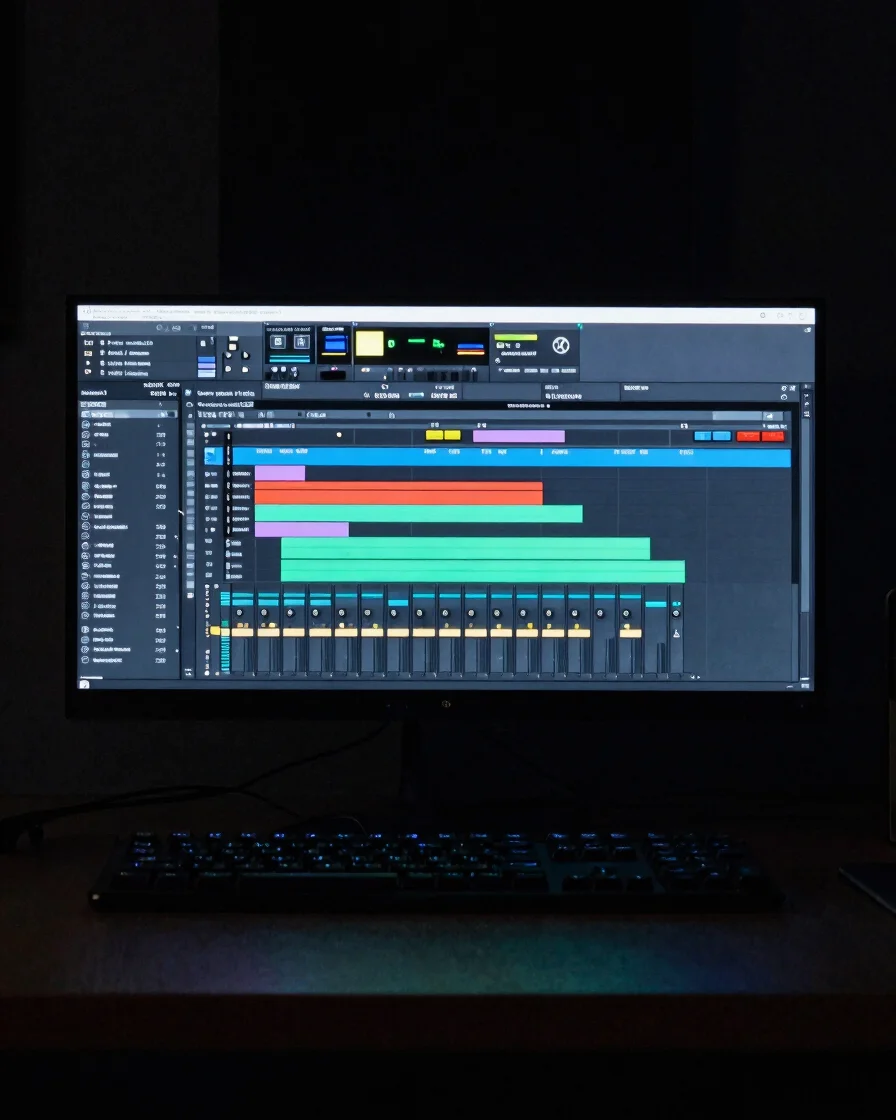
Each project is a complete session with arrangement, routing and mixing frameworks laid out for study. Open the files, follow the structure and learn from the workflow.
Template formats
What each project contains
Arrangement
Song structures
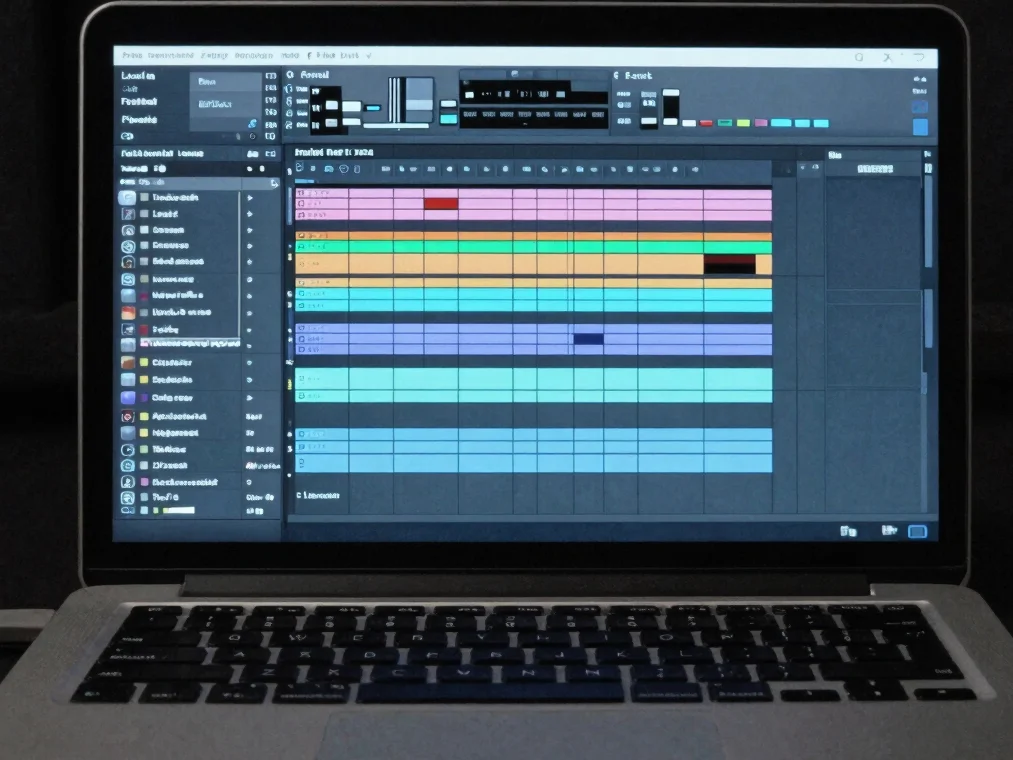
Every project is arranged from intro to outro with clear sections, transitions and automation lanes. Preview the audio to hear how the structure moves before you open the session.
Stems
Stem breakdown
Stem lists show the individual tracks included in each package, with notes on how drums, bass, synths and vocals sit together in the mix. Use them to study balance and layering.
Compatibility
Dependencies and notes
Each package lists its plugin dependencies, stock compatibility and FL Studio version notes, so you can check the setup before purchase and open the project without surprises.
From checkout to session
How projects reach your DAW
01
Choose and check out
Add a project to your cart and complete a secure checkout. Review the dependency notes before you pay.
02
Download automatically
Your FL Studio project files become available for download as soon as the order is confirmed, from your account.
03
Open and audition
Unzip the package, load the project in FL Studio and use the included previews to audition the arrangement against your own material.